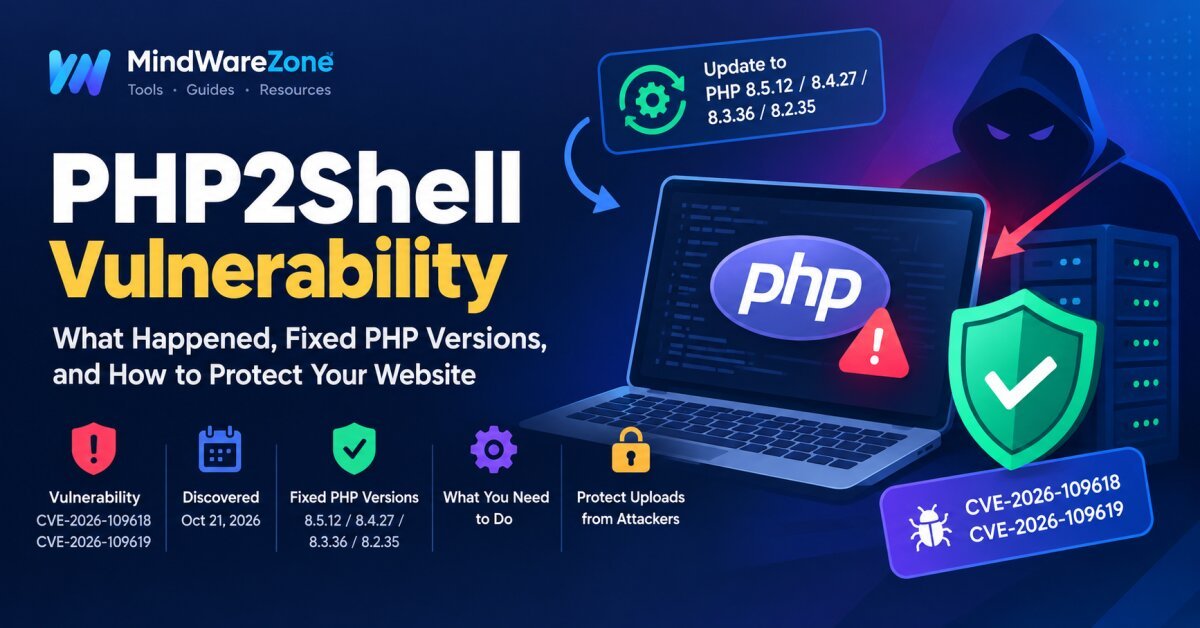
"Discover what PHP2Shell (CVE-2026-109618 and CVE-2026-109619) means for PHP websites, which versions contain security fixes, and how to secure your server and file uploads."
PHP2Shell Vulnerability: What Happened, Fixed PHP Versions, and How to Protect Your Website
PHP2Shell is the name given to two critical PHP security vulnerabilities, CVE-2026-109618 and CVE-2026-109619. Disclosed on October 21, 2026, these flaws could allow attackers to execute malicious code on vulnerable servers without logging in. They may also expose sensitive information stored in PHP process memory. Both vulnerabilities have a critical severity rating of 9.2/10. Source: PHP security coverage
What happened?
The vulnerabilities affect PHP's internal handling of memory and web requests. An attacker could send specially crafted HTTP requests, including multipart requests commonly used for file uploads, to exploit vulnerable PHP installations.
- CVE-2026-109618: Improper handling of out-of-memory errors can corrupt internal request data.
- CVE-2026-109619: PHP may retain references to memory that has already been freed, allowing a later request to use invalid data.
Successful exploitation could lead to remote code execution, server compromise, or exposure of passwords, API keys, and authentication tokens.
When was it fixed?
On October 21, 2026, the PHP development team released emergency security updates to address both vulnerabilities.
| PHP branch | Fixed version |
|---|---|
| PHP 8.5 | 8.5.12 |
| PHP 8.4 | 8.4.27 |
| PHP 8.3 | 8.3.36 |
| PHP 8.2 | 8.2.35 |
Install the latest available security update in your branch, rather than relying on these minimum fixed versions indefinitely. PHP 8.1 and older are no longer supported upstream; check with your operating-system or hosting provider for backported security fixes, or migrate to a supported PHP release. Official security announcement
What you need to do
-
Check your PHP version: Run
php -vin your server terminal. Remember that the command-line PHP version may differ from the version used by your website. - Update PHP immediately: Upgrade to a fixed version or apply a verified security patch provided by your hosting or operating-system vendor.
- Restart PHP services: Restart PHP-FPM, Apache, or the relevant PHP worker service after updating, as appropriate for your setup.
- Check for compromise: Review server logs for suspicious requests, unexpected file changes, unfamiliar processes, and unusual outbound connections. If you suspect an attack, isolate the server and investigate before treating the update as sufficient.
- Use additional protection: Keep your operating system, Laravel or other PHP framework, CMS, and dependencies updated. A web application firewall (WAF) can help block known malicious requests but cannot replace patching.
Why you still need the PHP update
Even if your website has no known vulnerable plugin or application, the problem exists in the PHP runtime itself. Updating WordPress, Laravel, or another framework alone does not fix a vulnerable PHP installation.
A WAF, antivirus software, or secure application code may reduce certain risks, but none guarantees protection against these flaws. Updating PHP to a fixed release is the only complete fix.
How to protect file uploads from attackers
File uploads are a common security risk. For a Laravel or PHP website, follow these practices:
- Allow only necessary file types: Use a strict allow list, such as JPEG, PNG, or WebP for images. Validate the actual file content, not just its extension or browser-provided MIME type.
- Set file size limits: Enforce upload limits in both PHP configuration and your application.
- Store uploads safely: Prefer storage outside the public web root, or use a dedicated object-storage service. Do not allow uploaded files to execute as PHP scripts.
- Generate safe filenames: Create random server-side filenames instead of trusting user-supplied filenames.
- Disable script execution: Configure upload directories so that PHP and other executable files cannot run there.
- Validate and scan files: Use image-decoding and re-encoding where appropriate, and malware scanning for higher-risk uploads.
- Restrict access: Apply authentication, authorization, rate limits, and CSRF protection where appropriate.
For Laravel, validate uploads using rules such as File::types(['jpg', 'jpeg', 'png', 'webp'])->max(5120) for images up to 5 MB, adjusting the allowed types and size to your needs. Store files on a non-public disk when possible.
Important: Upload validation helps protect your application, but it does not eliminate PHP2Shell because an attacker may exploit PHP before your application code processes the upload.
Final takeaway
If your website runs PHP, check its runtime version and apply the appropriate security update immediately. Then review your server for signs of compromise and strengthen file-upload protections. Do not assume that a secure upload form or a WAF makes an unpatched PHP server safe.
References:
Official PHP security advisory and fixed versions
Wiz Research: Technical details and disclosure timeline
National Cyber Security Centre: Recommended actions